ZayroDocX
V1.0
Recommended Upgrade
ZayroDocX Plus

Unlock more power for daily document work — bigger limits, smarter AI, and faster batch operations.

  • Larger file size limits (up to 500 MB)
  • Batch processing for all tools
  • Priority AI — faster OCR & summaries
  • Watermark-free outputs
  • Email + chat support
  • 30-day file history
See pricing Pricing page coming soon
For Power Users
ZayroDocX Pro

Everything in Plus — plus unlimited use, advanced AI models, team workspaces, and developer API access.

  • Everything in Plus
  • No daily limits — unlimited conversions
  • Advanced AI models (GPT-class)
  • Team workspaces & shared history
  • Developer API access
  • Dedicated priority support
See pricing Pricing page coming soon
Quick Access
Access your most used PDF tools quickly
Free
Merge PDF
Merge PDF
Combine multiple PDF files into one
Free
Split PDF
Split PDF
Split PDF pages into multiple files
Free
Compress PDF
Compress PDF
Reduce PDF file size
Free
OCR PDF
OCR PDF
Make scans searchable
Free
PDF to Word
PDF to Word
Convert PDF files to Word documents
Free
Word to PDF
Word to PDF
Convert Word documents to PDF files
Free
Sign PDF
Sign PDF
Add signature to PDF
Free
Invoice Extractor
Invoice Extractor
Extract invoice data with AI
Free
Photo Blue
Apply blue filter to image or PDF
How It Works
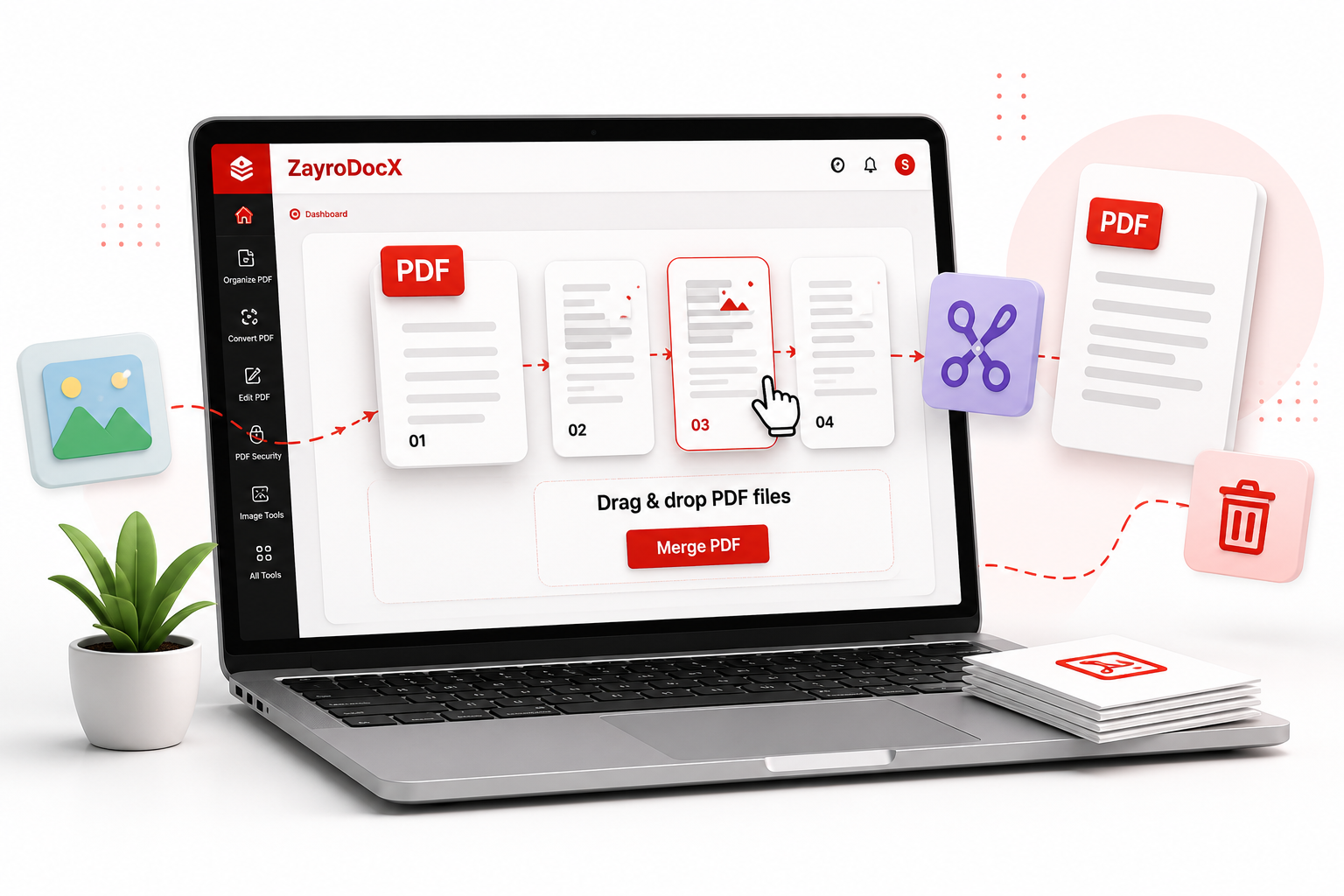
Organize PDF tools
Organize PDF

Arrange, combine and restructure your PDF documents

PDF organization tools give you complete control over the structure of your documents. Whether you need to combine multiple reports into a single file, split a large PDF into chapters, remove unwanted pages, or pull specific pages into a new document — these tools handle it all without any loss of quality.

Merge unlimited PDFs into one file in any order
Split by page range, every N pages, or individual pages
Convert JPG, PNG, BMP, TIFF and WebP images into PDF
All processing is 100% local — files never leave your server
AI Powered

Intelligent PDF tools powered by Mistral & OpenAI

Our AI tools go beyond basic editing — they understand the content of your documents. OCR converts scanned images into fully searchable and editable text. The AI Summarizer reads your entire PDF and produces a structured summary with key points. Invoice Extractor automatically pulls vendor names, amounts, dates and line items from any invoice format.
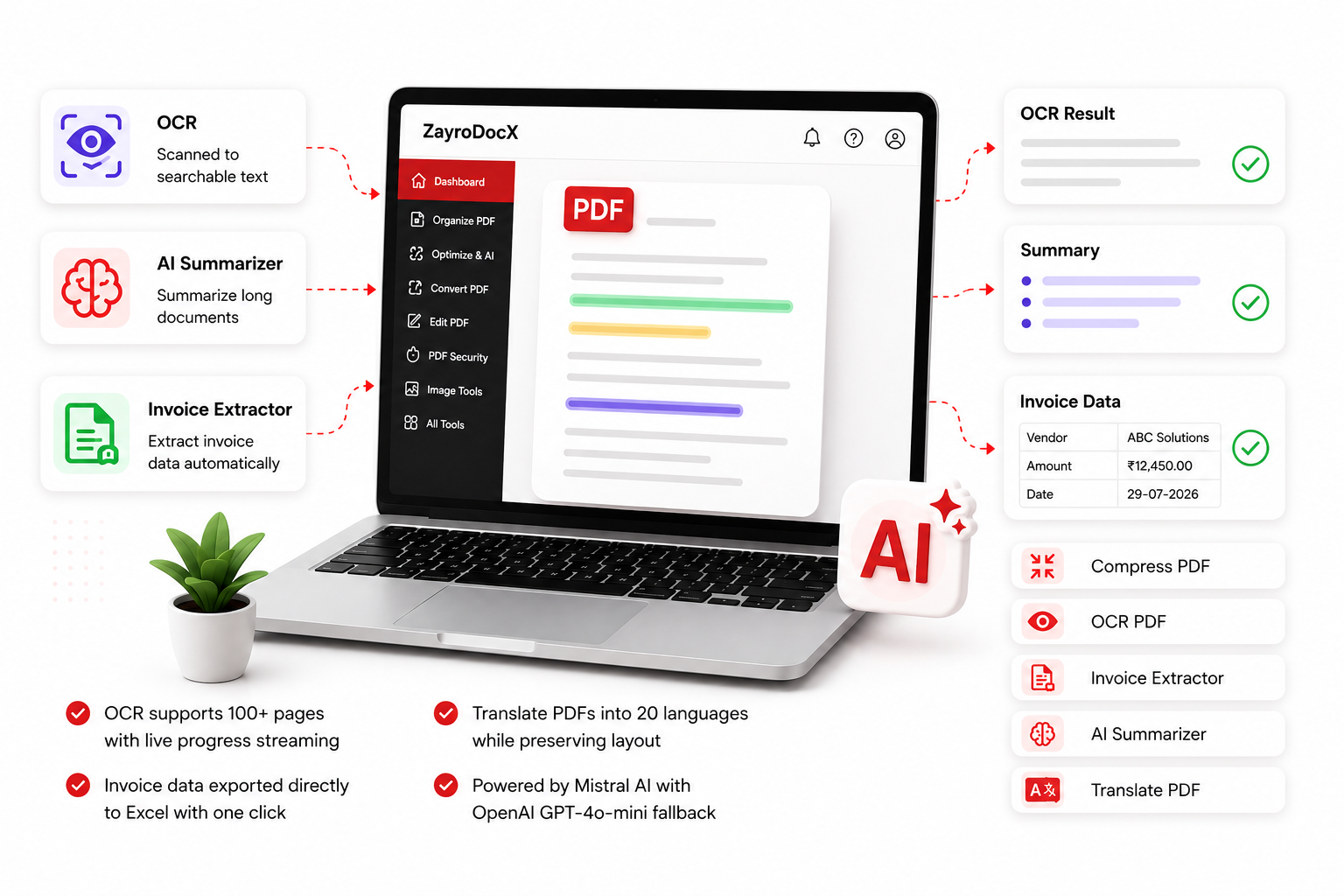
OCR supports 100+ pages with live progress streaming
Translate PDFs into 20 languages while preserving layout
Invoice data exported directly to Excel with one click
Powered by Mistral AI with OpenAI GPT-4o-mini fallback
AI PDF Tools
Convert PDF formats
Convert PDF

Convert between PDF and all major document formats

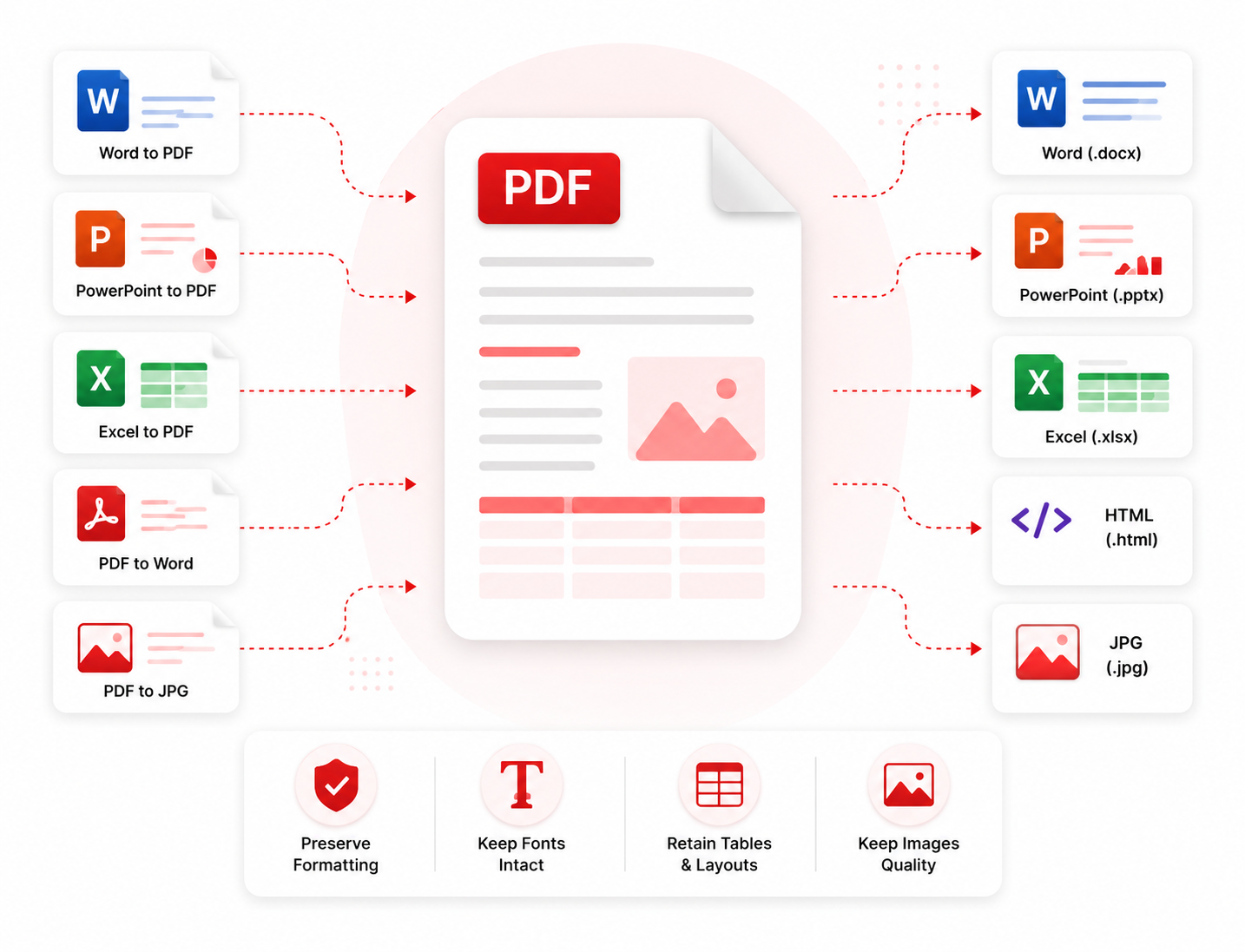
Seamlessly convert documents in both directions — from Office formats to PDF for sharing and archiving, or from PDF back to editable formats for further editing. Supports Word (.docx), PowerPoint (.pptx), Excel (.xlsx), HTML, and image formats. Conversion preserves formatting, fonts, tables and images as faithfully as possible.

Word, PowerPoint and Excel to PDF with layout preservation
PDF to Word with editable text and paragraph structure
PDF to JPG with selectable DPI and quality
HTML to PDF using wkhtmltopdf rendering engine
Edit & Security

Edit, sign, protect and redact your PDF documents

Take full control of your PDF content and security. Add digital signatures using a drawn, typed or uploaded signature. Password-protect sensitive documents with AES-256 encryption. Permanently redact confidential text — names, account numbers, addresses — before sharing. Watermark documents with custom text or images to establish ownership.
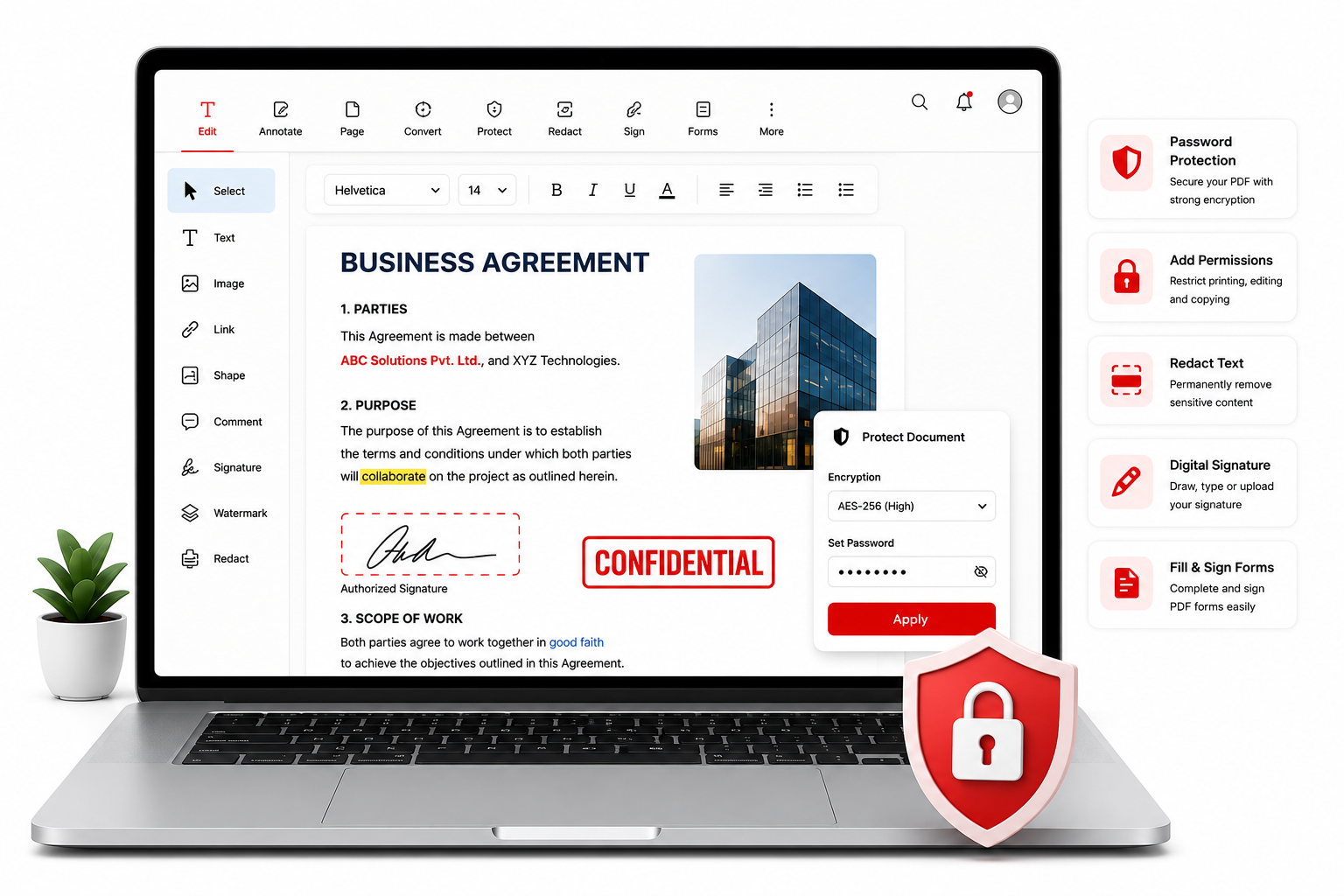
AES-256 bit encryption for password protection
Permanent redaction — content is removed, not just hidden
Draw, type or upload a signature image
Add custom text or image watermarks with opacity control
Edit and Security PDF tools
Image editing tools
Image Tools

Edit, enhance and convert images with professional tools

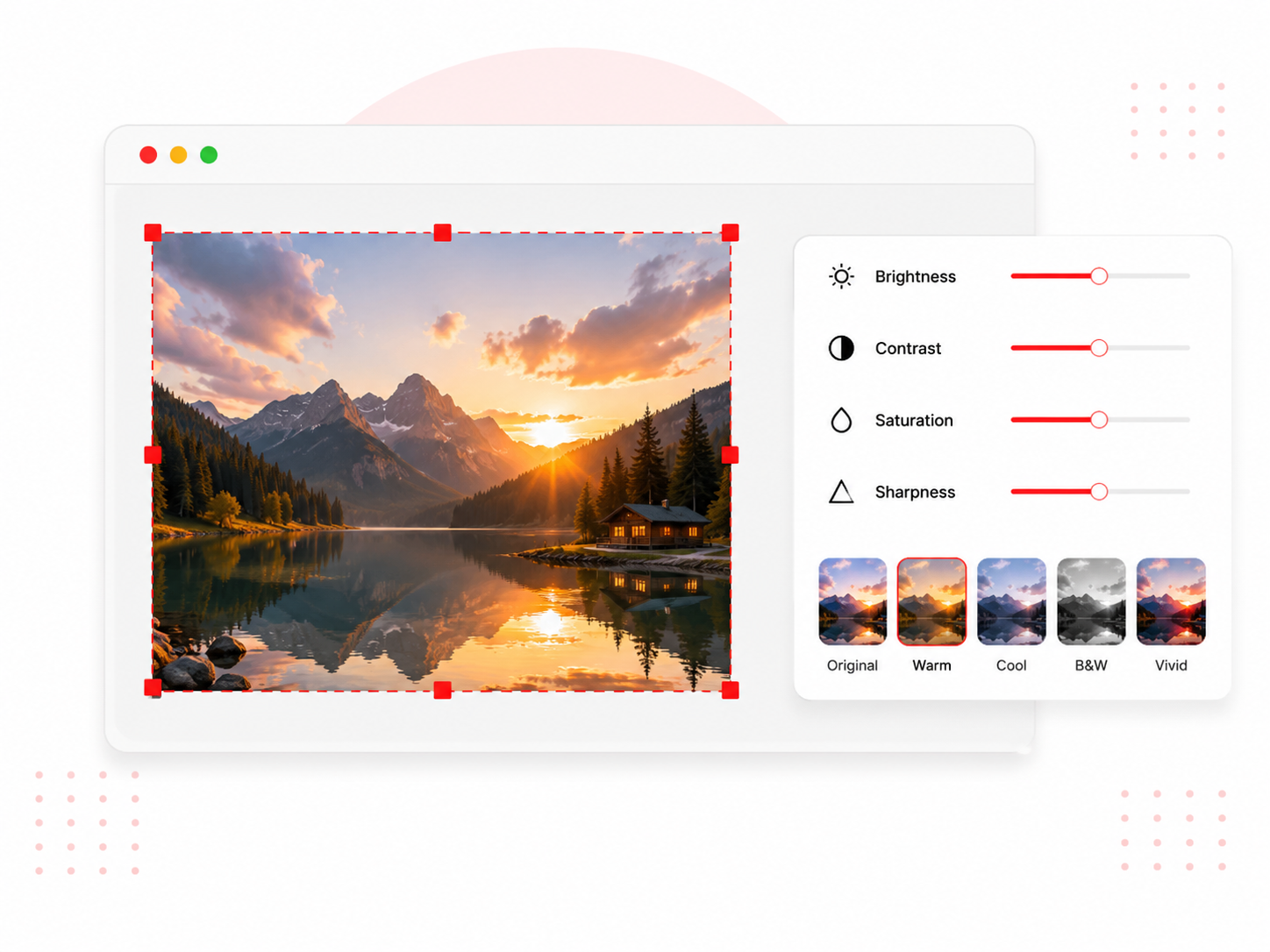
A complete image toolkit covering everything from basic edits to advanced AI-powered operations. Compress images without visible quality loss, resize for specific dimensions or platforms, crop to any aspect ratio, remove backgrounds automatically, and upscale low-resolution images. OCR extracts text from photos, screenshots and scanned images instantly.

Supports JPG, PNG, WebP, BMP, TIFF and GIF formats
Blur faces automatically for privacy protection
Extract text from any image using Tesseract OCR
Convert between image formats in one click